Product Overview
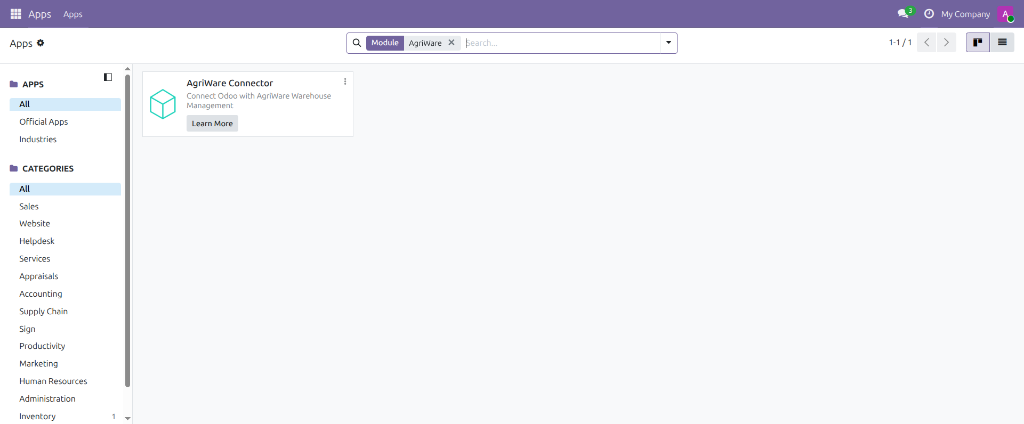
AgriWare Connector integrates an existing, compatible external WMS with Odoo 19's Inventory app through a REST API.
What it is
AgriWare Connector is not itself a warehouse management system. It does not manage racking, picking routes, or barcode scanning hardware — it is the integration layer between an existing WMS and Odoo's Inventory app. The external WMS calls this API to read Odoo's product, warehouse, and stock data, and to push incoming receipts and outgoing dispatches into Odoo's standard stock workflow.
Supported Odoo version
Odoo 19. AgriWare Connector depends on four Odoo Community Association (OCA) modules — component, component_event, connector, and queue_job — which are bundled inside the Odoo Apps Marketplace download, so no separate installation step is needed for a marketplace install.
Integration architecture
Every request in this integration is initiated by the external WMS; Odoo never calls out to the WMS. All data ultimately lives in Odoo's own PostgreSQL database — AgriWare Connector adds no separate datastore.
REST API capabilities
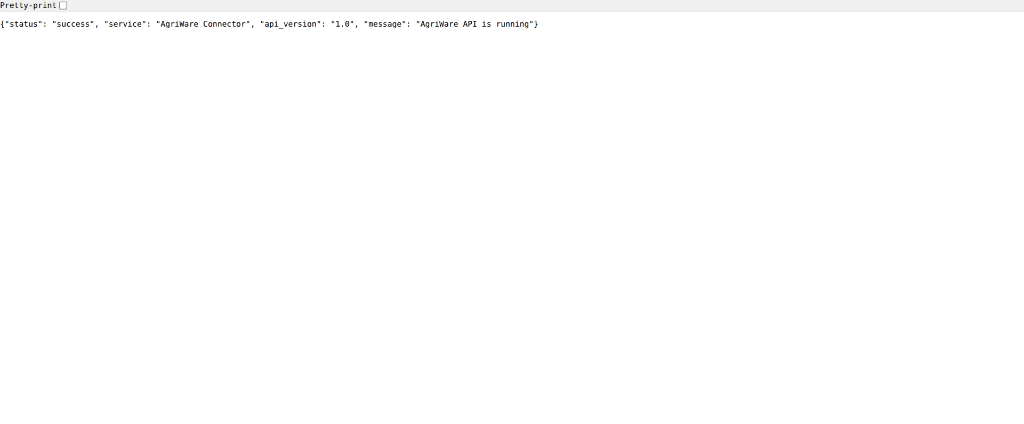
AgriWare Connector exposes a versioned REST API rooted at /agriware/api/v1. All controller-level responses share a consistent {"status": "success" | "error", ...} shape.
- GET /health — public health check, no authentication required
- GET /products — retrieve up to 100 products; POST /products and PATCH /products/{external_id} — create and update products
- GET /warehouses — retrieve warehouses; POST /warehouses and PATCH /warehouses/{external_id} — create and update warehouses
- GET /suppliers, POST /suppliers, and PATCH /suppliers/{external_id} — retrieve, create, and update suppliers
- GET /inventory — retrieve on-hand stock quantities
- GET /lots, POST /lots, and PATCH /lots/{external_id} — retrieve, create, and resolve lots and serial numbers
- POST /inventory-adjustments — stage an initial inventory count for human review inside Odoo
- POST /receipts and /receipts/{id}/validate — create and validate incoming receipts, including lot/serial-tracked products
- GET /receipts/{external_reference} — look up a receipt's status by your own external reference
- POST /dispatches and /dispatches/{id}/validate — create and validate outgoing dispatches, including lot/serial-tracked products
- GET /dispatches/{external_reference} — look up a dispatch's status by your own external reference
Authentication and access control
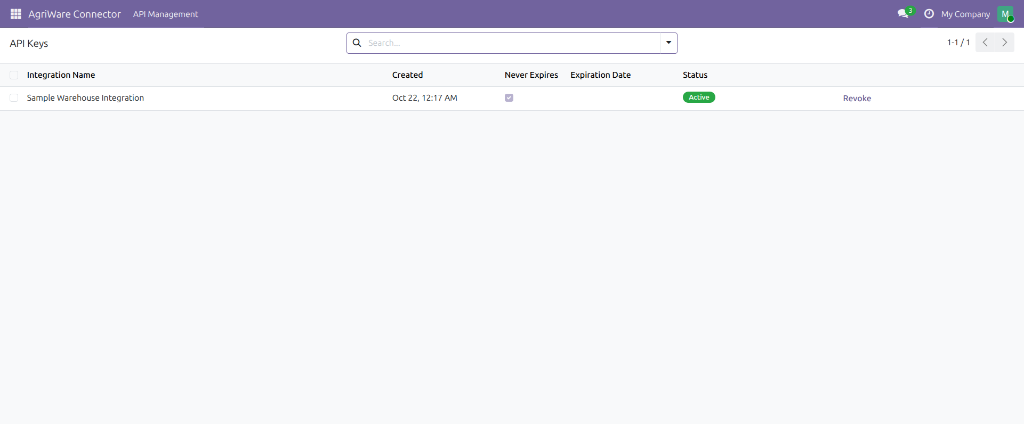
Every protected endpoint requires an Authorization: Bearer header carrying a real Odoo API key. Keys are generated and managed self-service, inside Odoo, by users in the AgriWare Administrator group — no developer involvement needed. The authenticated key's underlying user must also belong to the AgriWare API User group to call the API. API key records are isolated per company by record rules.
Supported inventory operations
- Read product, warehouse, supplier, and inventory data
- Create and update products, warehouses, and suppliers, addressed by your own external IDs
- Configure unit-of-measure mappings for units Odoo doesn't ship with by default
- Create and resolve lots and serial numbers for traceable products
- Stage initial inventory observations for human review — these are never applied to real stock automatically; an Inventory Manager must review and apply them manually from Odoo's own Inventory Adjustment screen
- Create a draft incoming receipt, then validate it against received quantities, including lot/serial-tracked products
- Create a draft outgoing dispatch, then validate it against dispatched quantities, including lot/serial-tracked products
- Look up the status of a receipt or dispatch by your own external reference
- Duplicate-transaction protection via a PostgreSQL advisory lock on each external reference
Current limitations
- No pagination on the products, warehouses, or inventory list endpoints (capped at 100 records)
- No per-warehouse access control within a company
- Partial receipts and partial dispatches are not supported — quantities must match exactly
- Initial inventory imports are staged for human review — applying a reviewed count to actual Odoo stock still requires one manual step in Odoo's own Inventory Adjustment screen, by design
- No automatic or scheduled synchronization — every request is initiated by the external WMS
- No built-in, WMS-specific adapters — this is one generic REST API
Screenshots